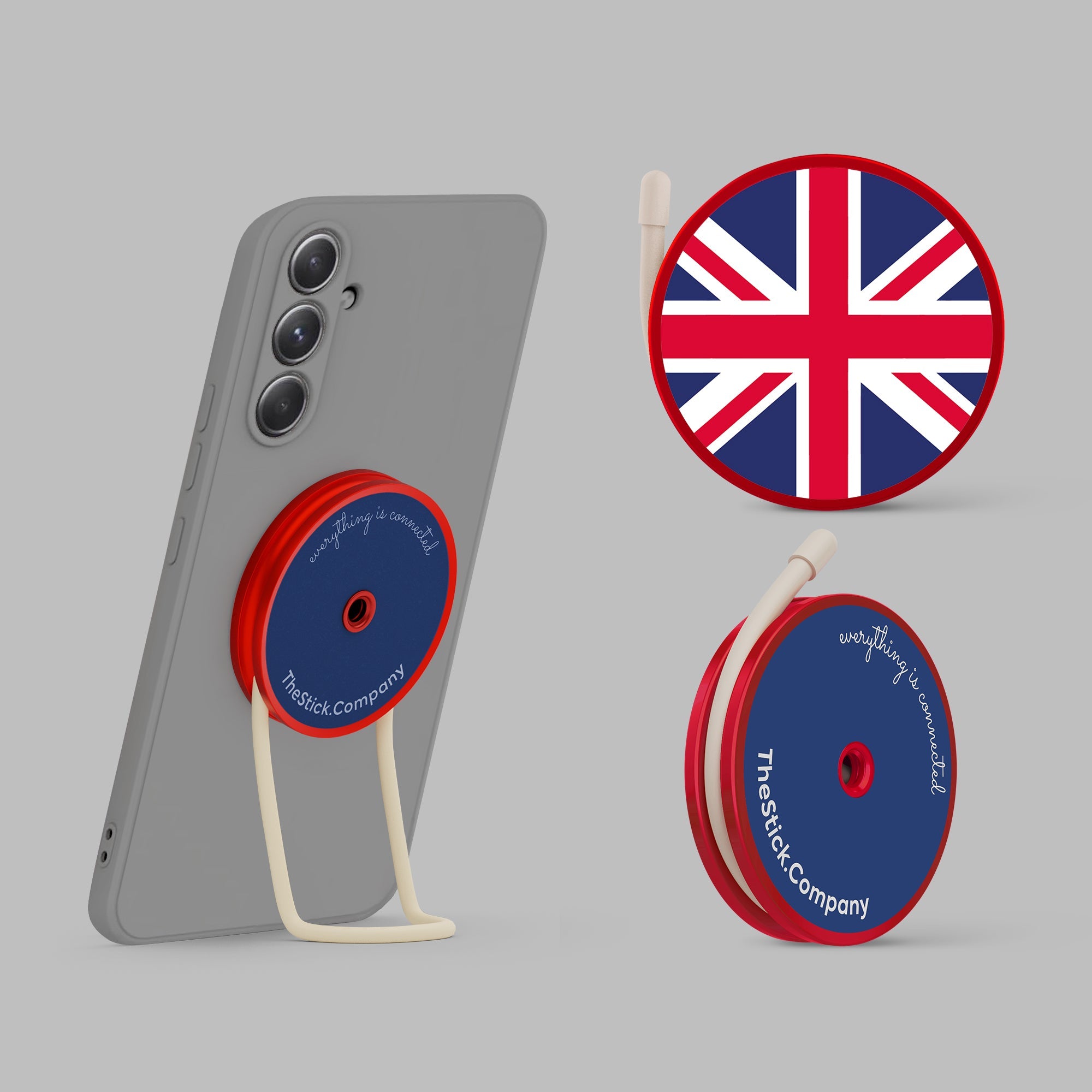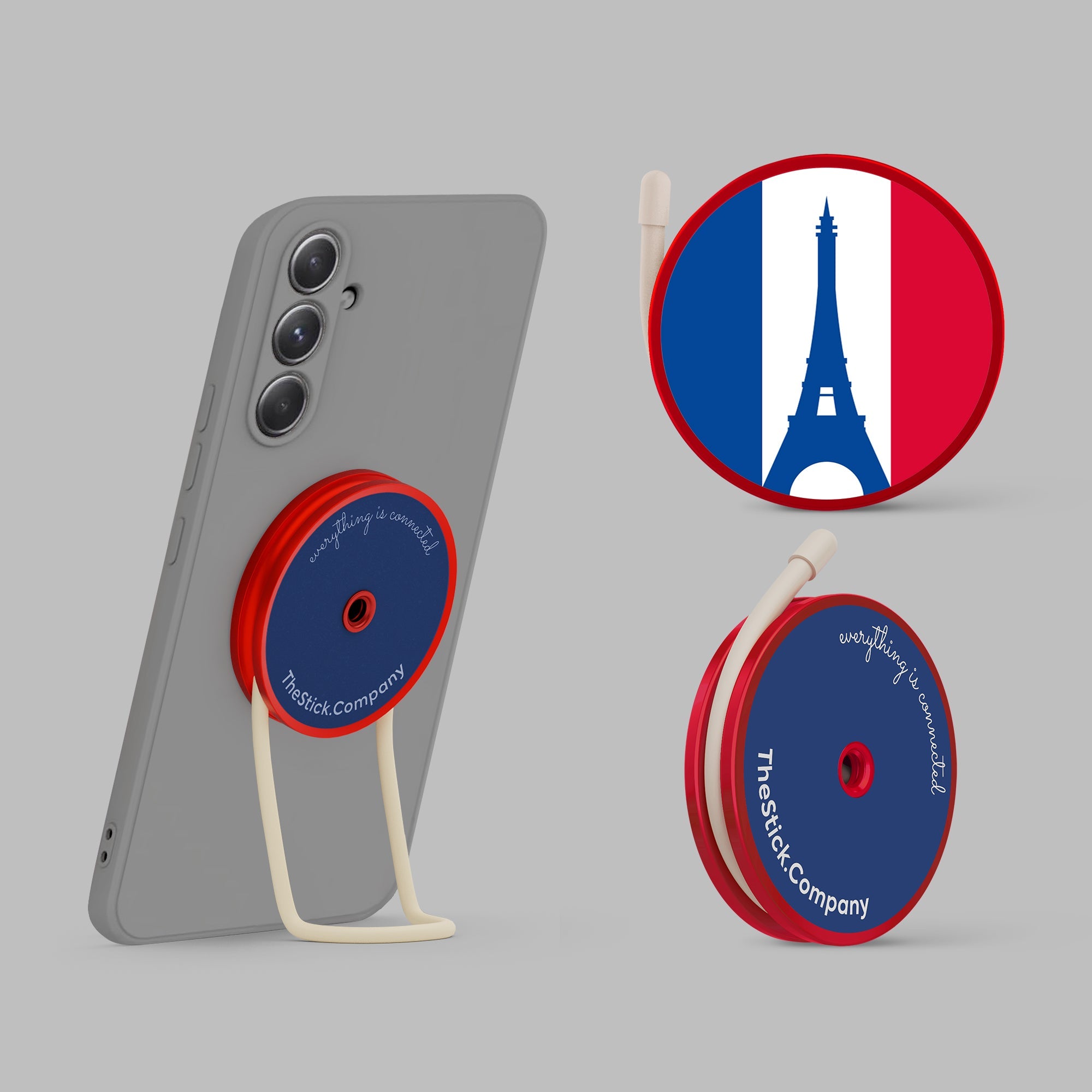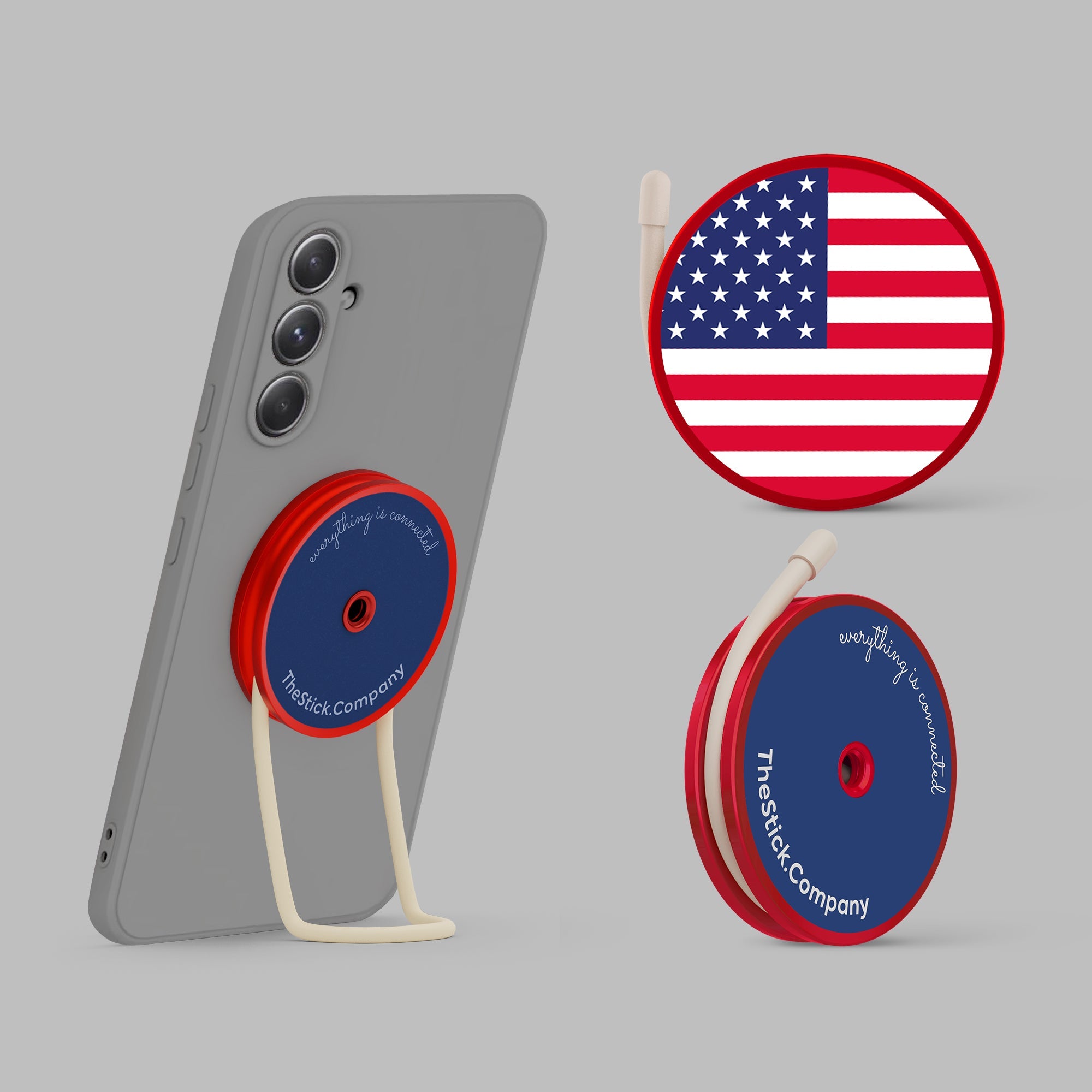

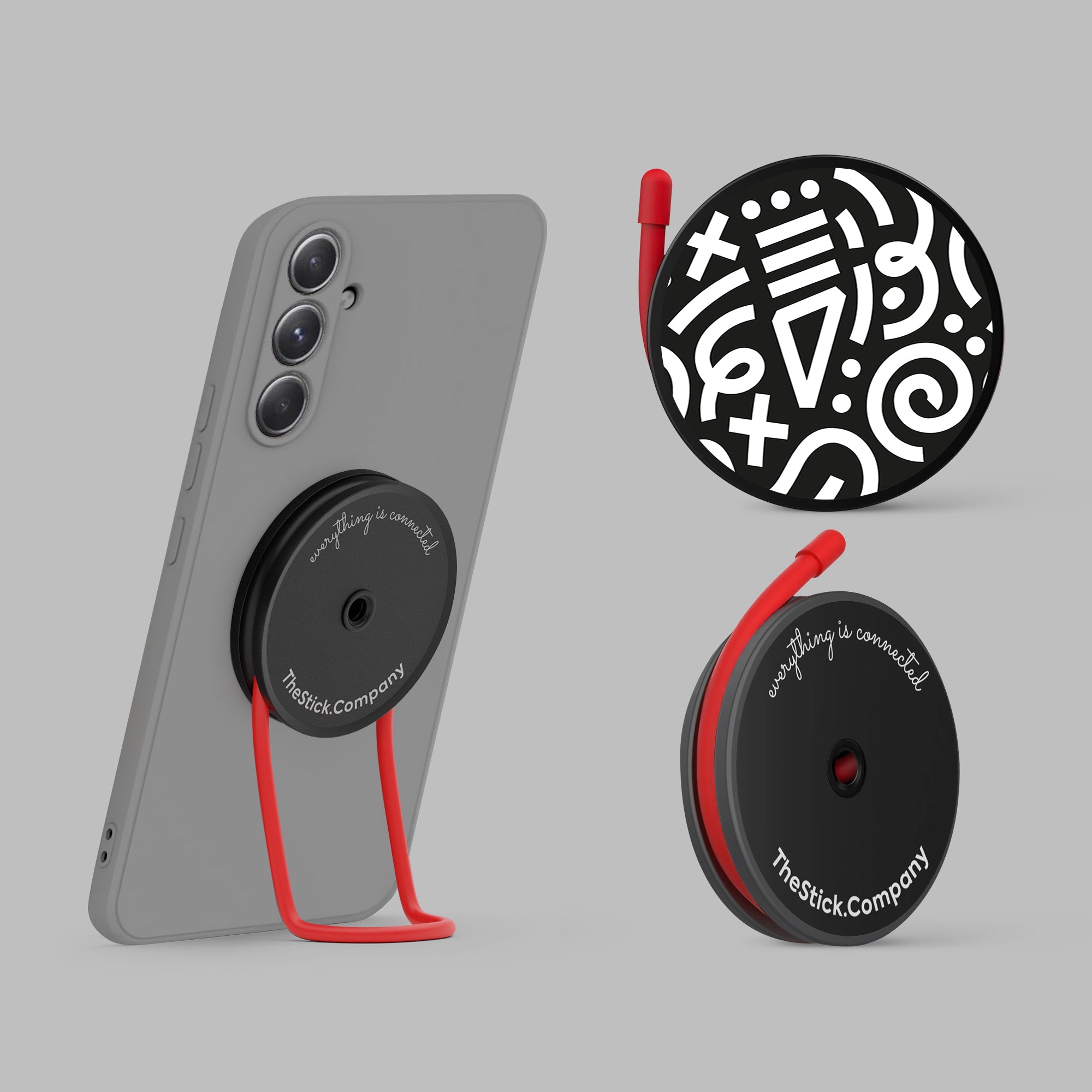
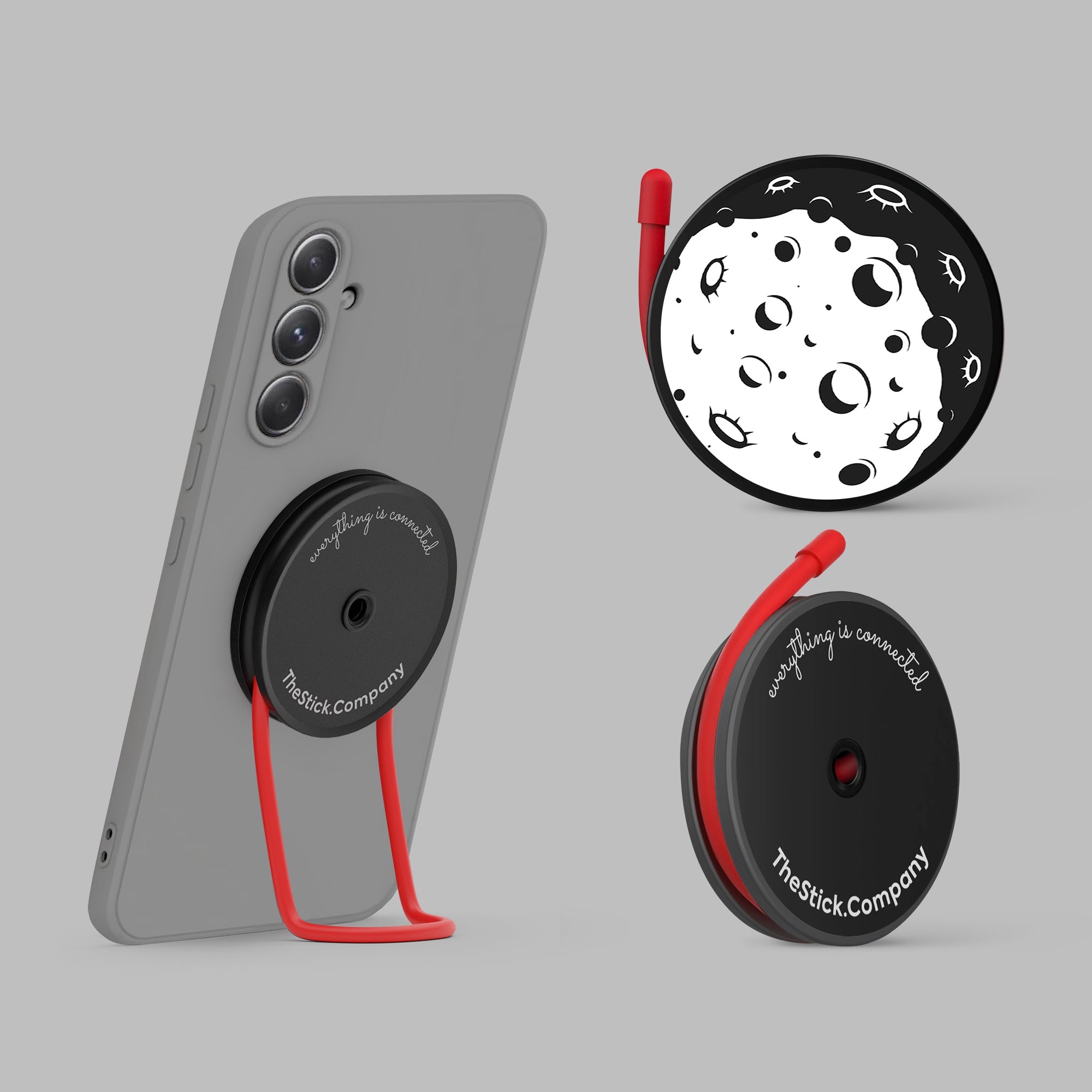
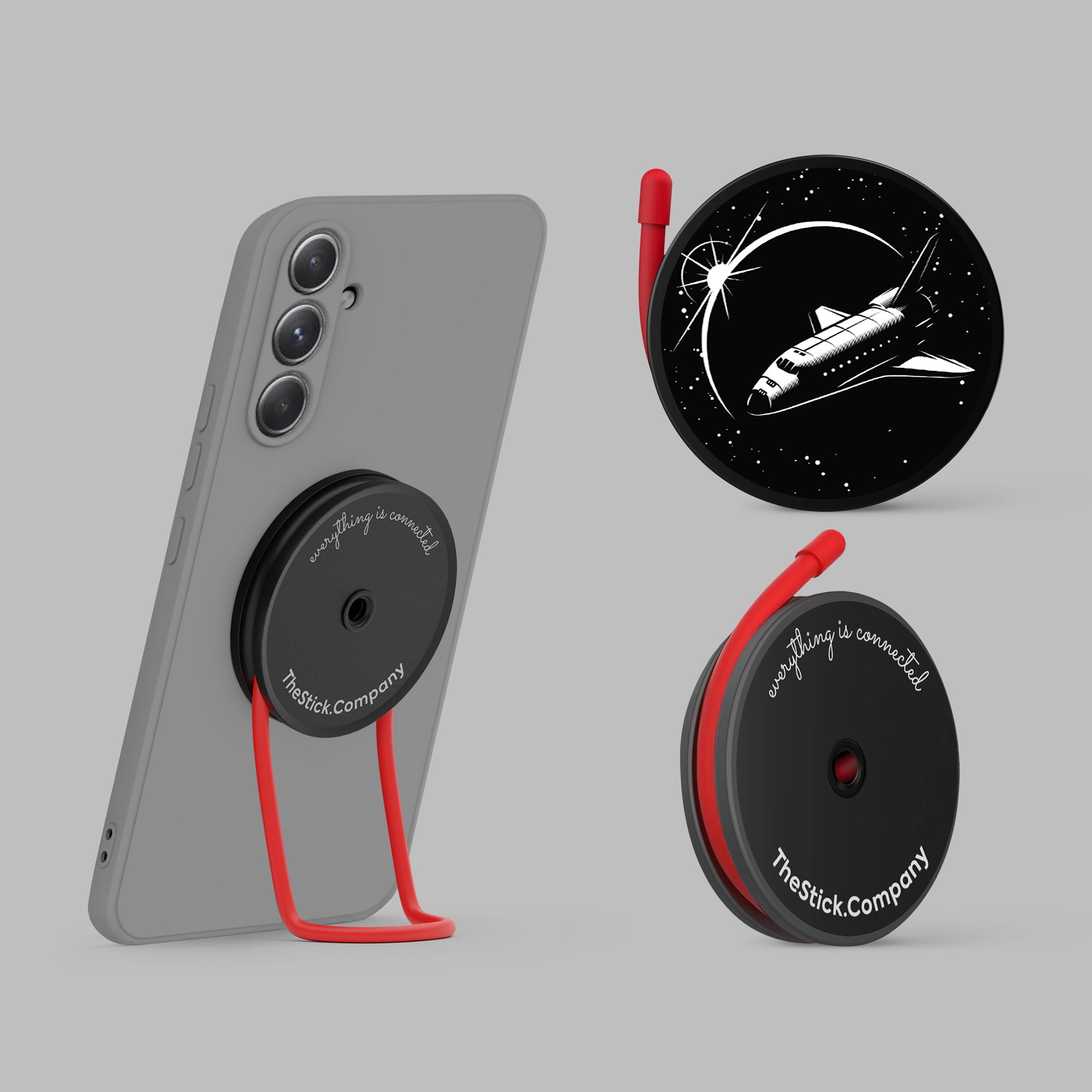
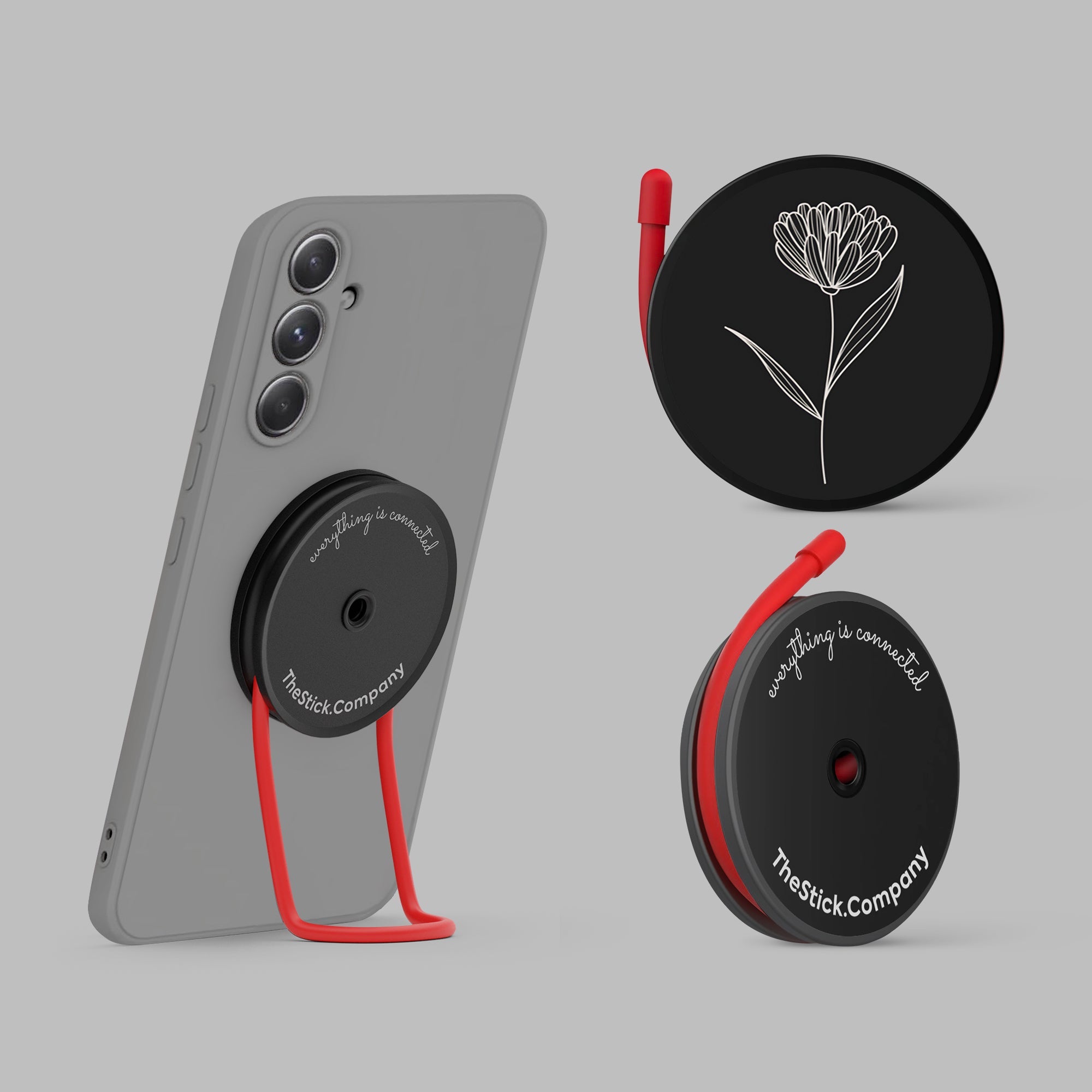




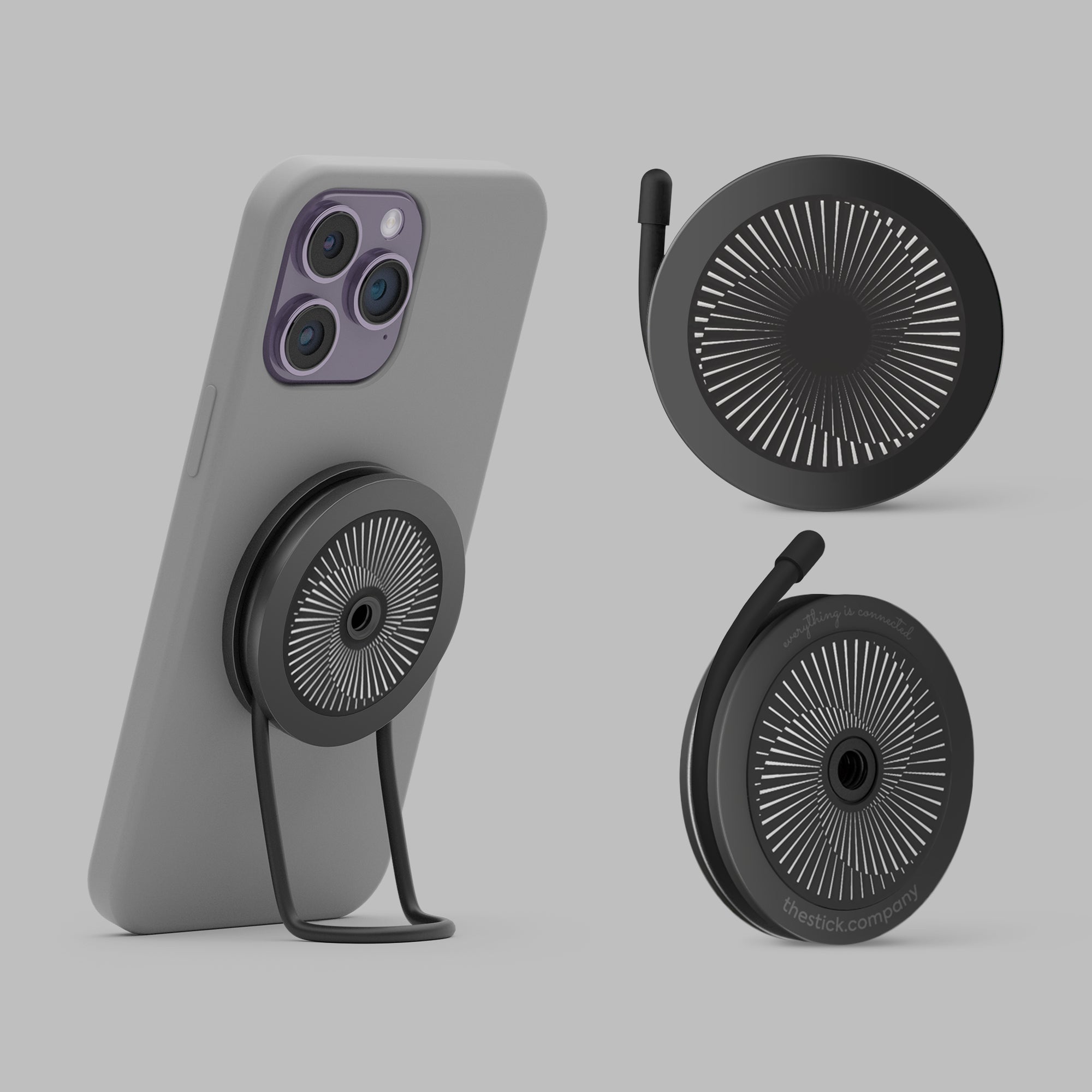
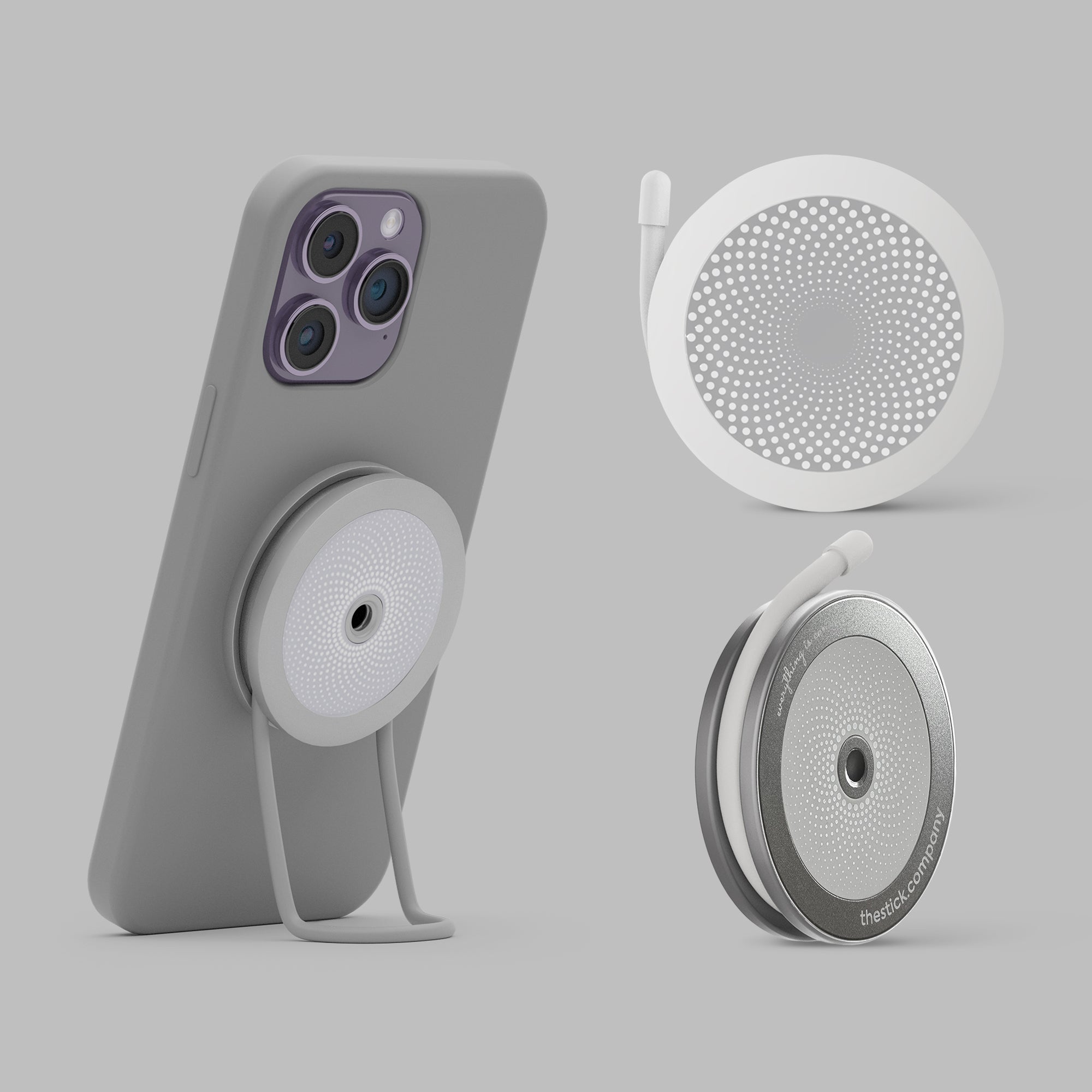
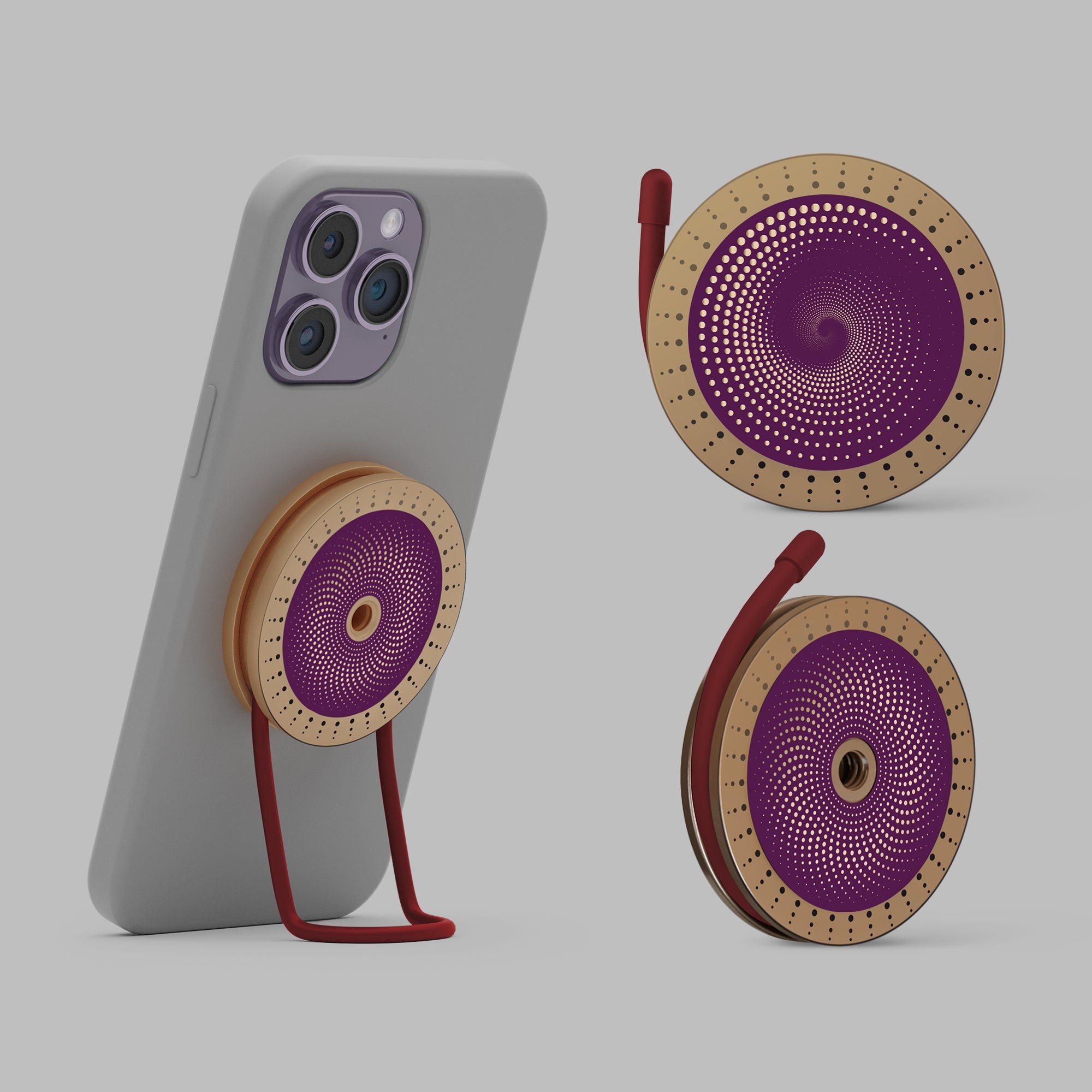






Three Linkies. Two IMSticks. One ecosystem. Here's how each piece sits on your phone — in under a minute, no tools, no fuss.


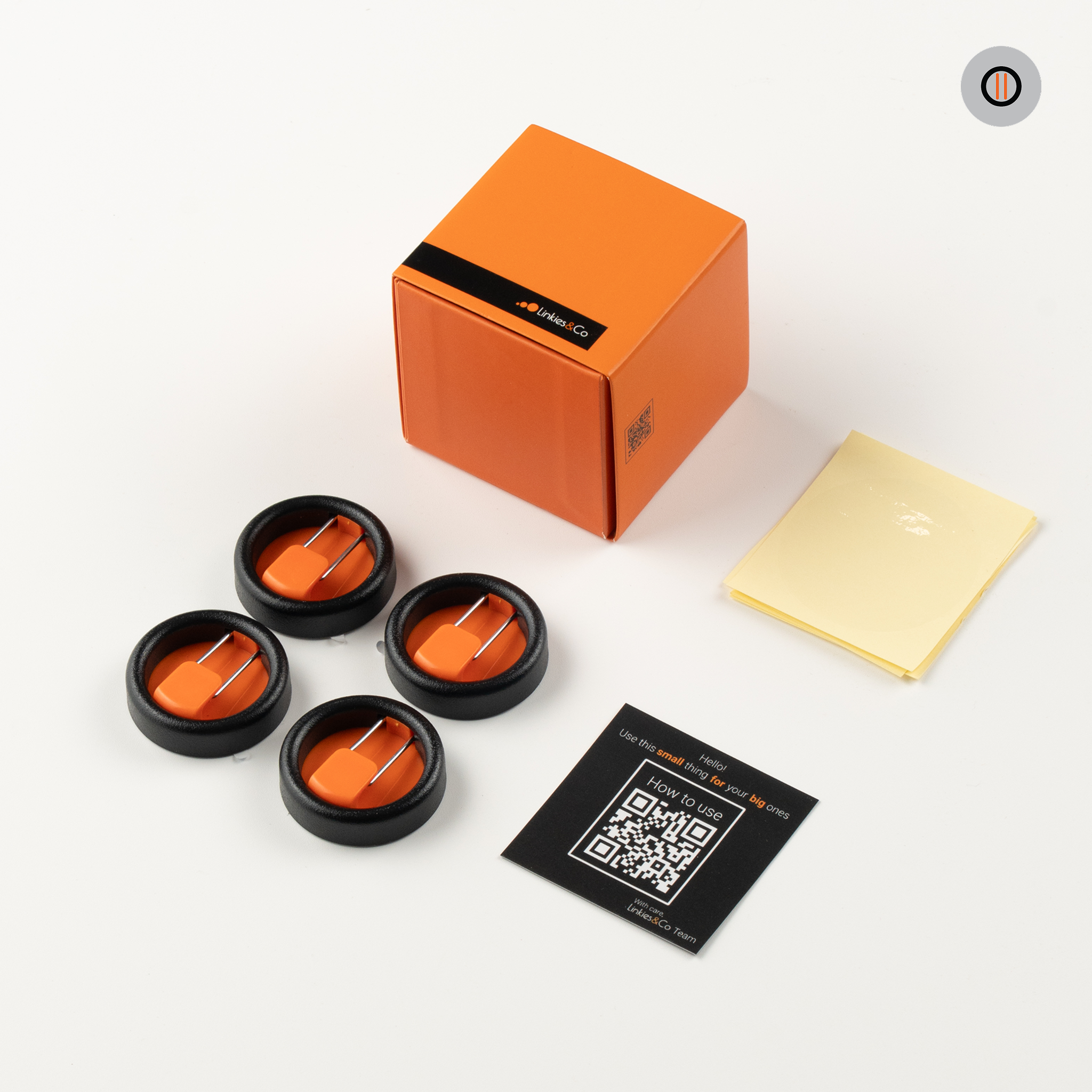
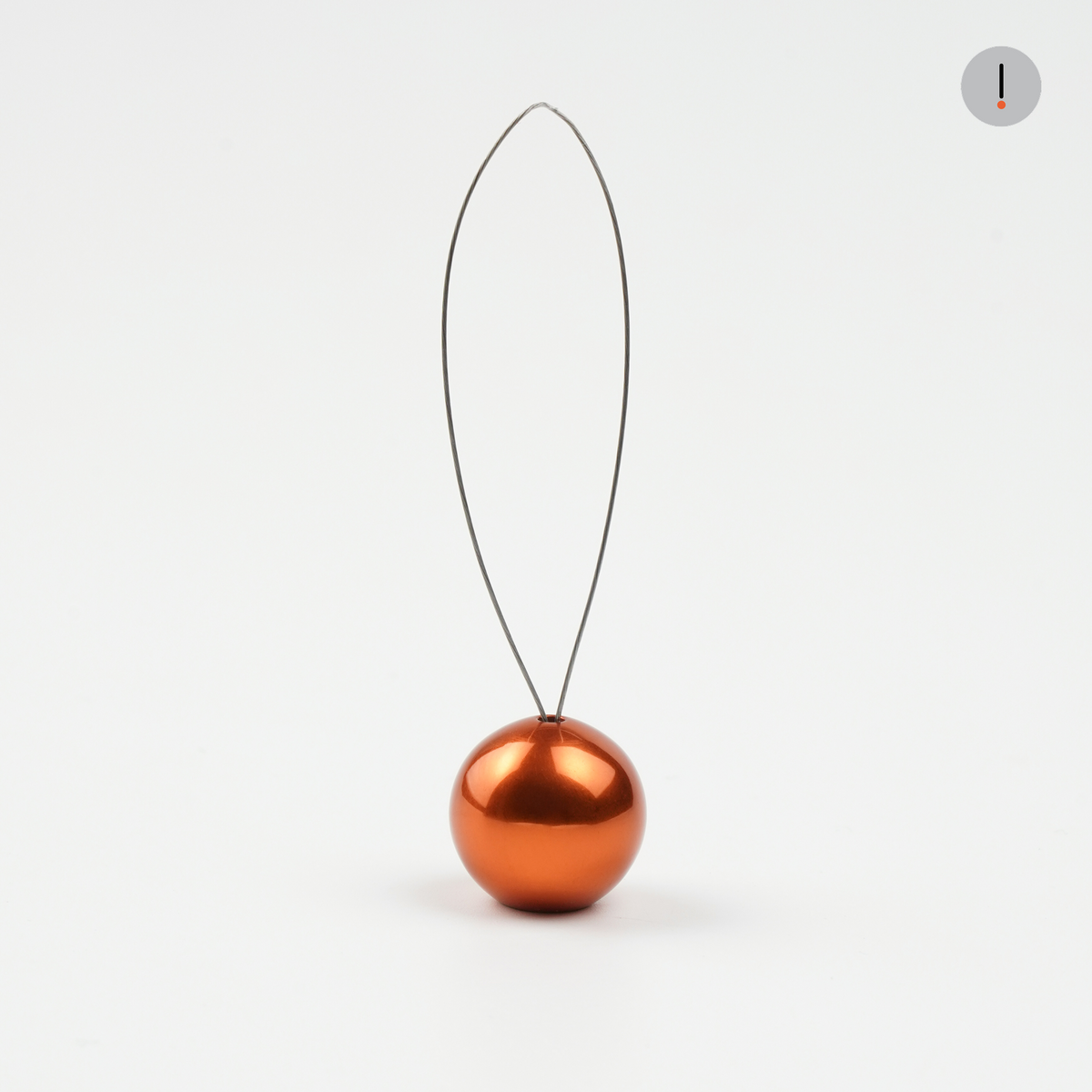
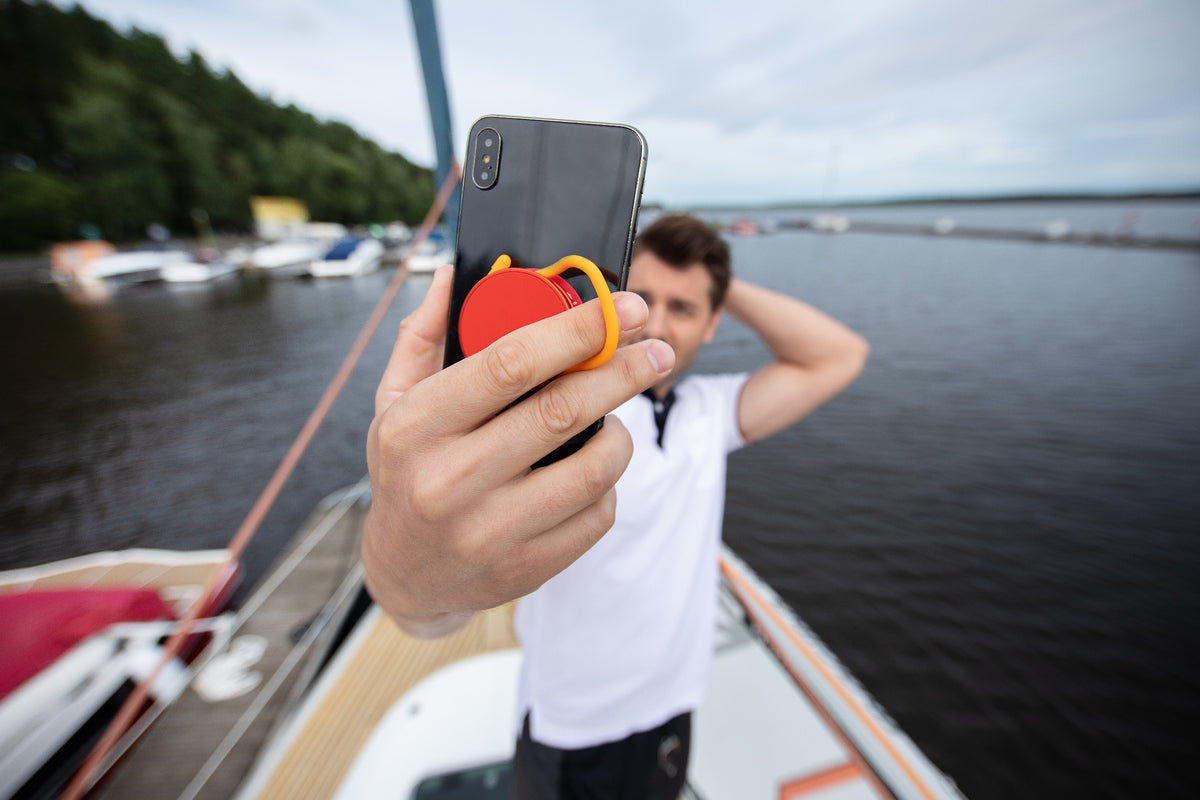
Linky is the connector — the stylish core that sits between your phone and its case. One loop keeps your phone in reach and in sync with your vibe. Stronger grip, no clutching.
How to:
1. Take the phone case off and place Linky between the phone and the case.
2. Close the case back so the loop sits outside.
3. Slip a finger or wrist through the loop whenever you move, scroll, or shoot.
Tip: this loop is the connection point for Keeper and Locky — install Linky first.


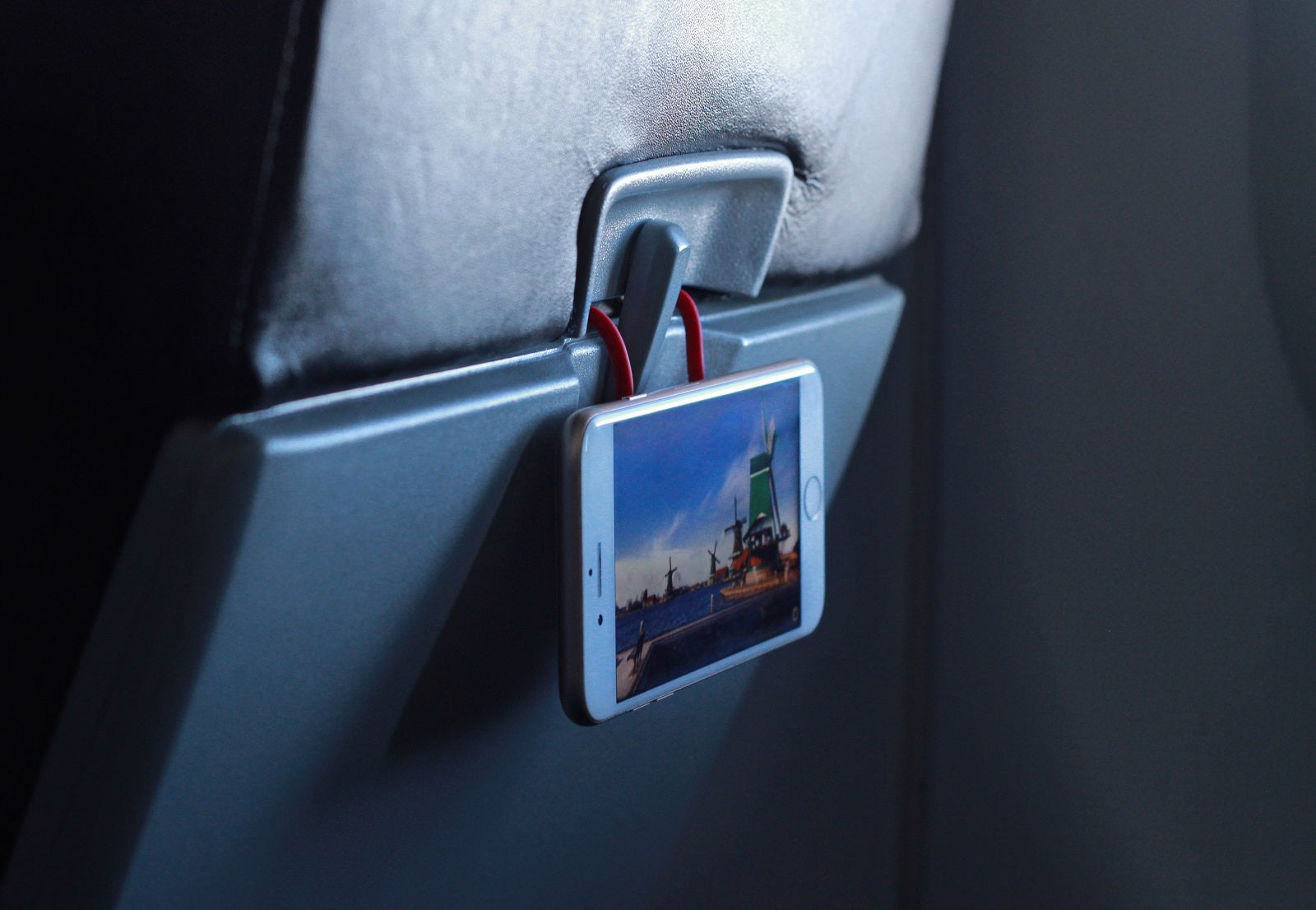
Keeper is the anchor — your phone's bodyguard against gravity and theft. Clip it to a bag, belt, or strap, and your phone stays exactly where you left it.
How to:
1. Clip Keeper inside your bag, on a belt loop, backpack strap, or organizer.
2. Attach your phone via Linky to Keeper.
3. Use the same clip for keys or earbuds.


Locky is the dock — a secure parking spot for your phone on any surface. Stick it once, then snap your phone on and off, hands-free.
How to:
1. Pick a clean, flat surface — wall by the door, dashboard, side of a desk.
2. Peel off the adhesive backing and press Locky firmly for several seconds.
3. Let it set for a few hours, then snap your phone (via Linky) into Locky.
Tip: adhesive needs hours to cure fully — don't hang heavy items right away.
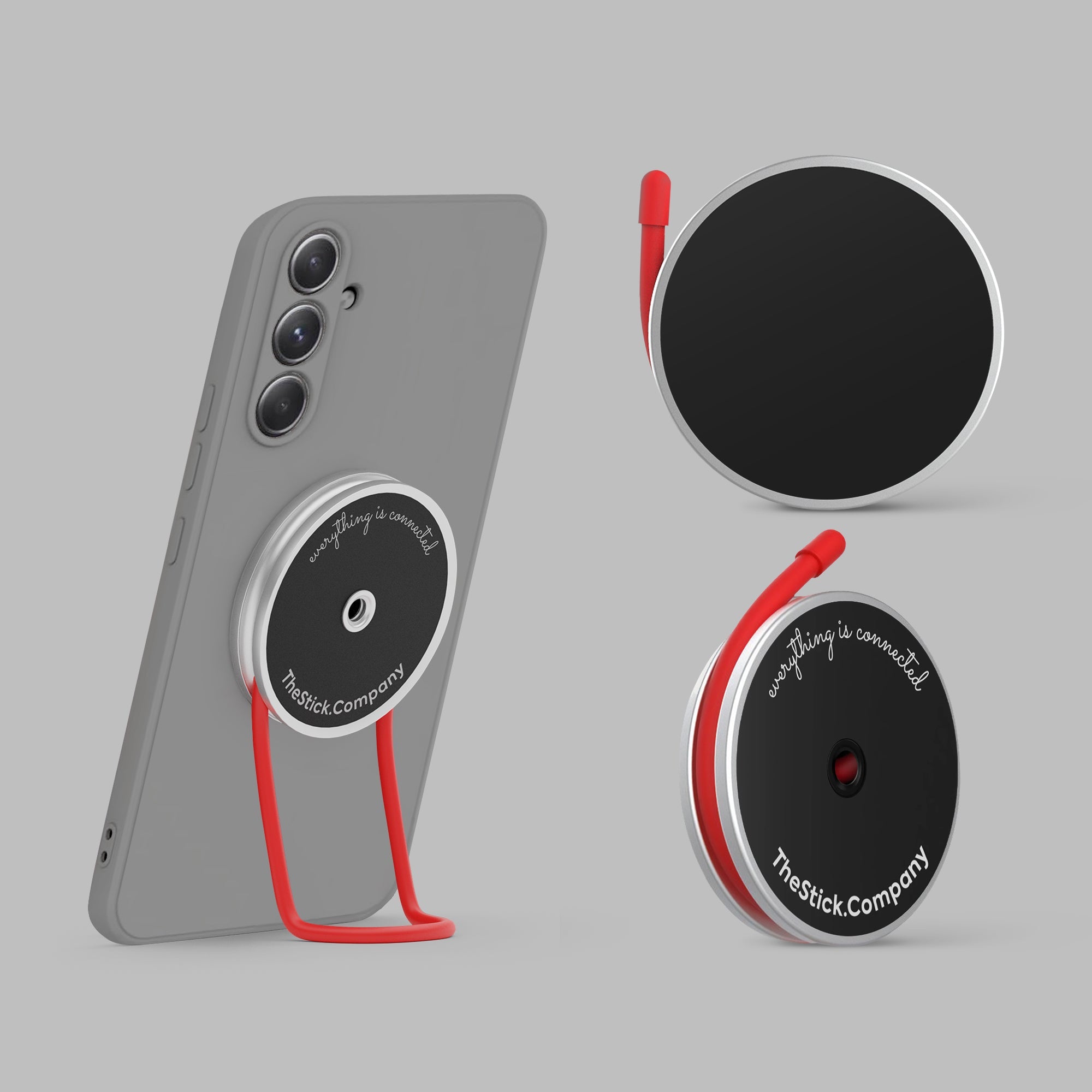
Two ways to snap your phone to anything magnetic. Pick by your case.

IMStick Classic
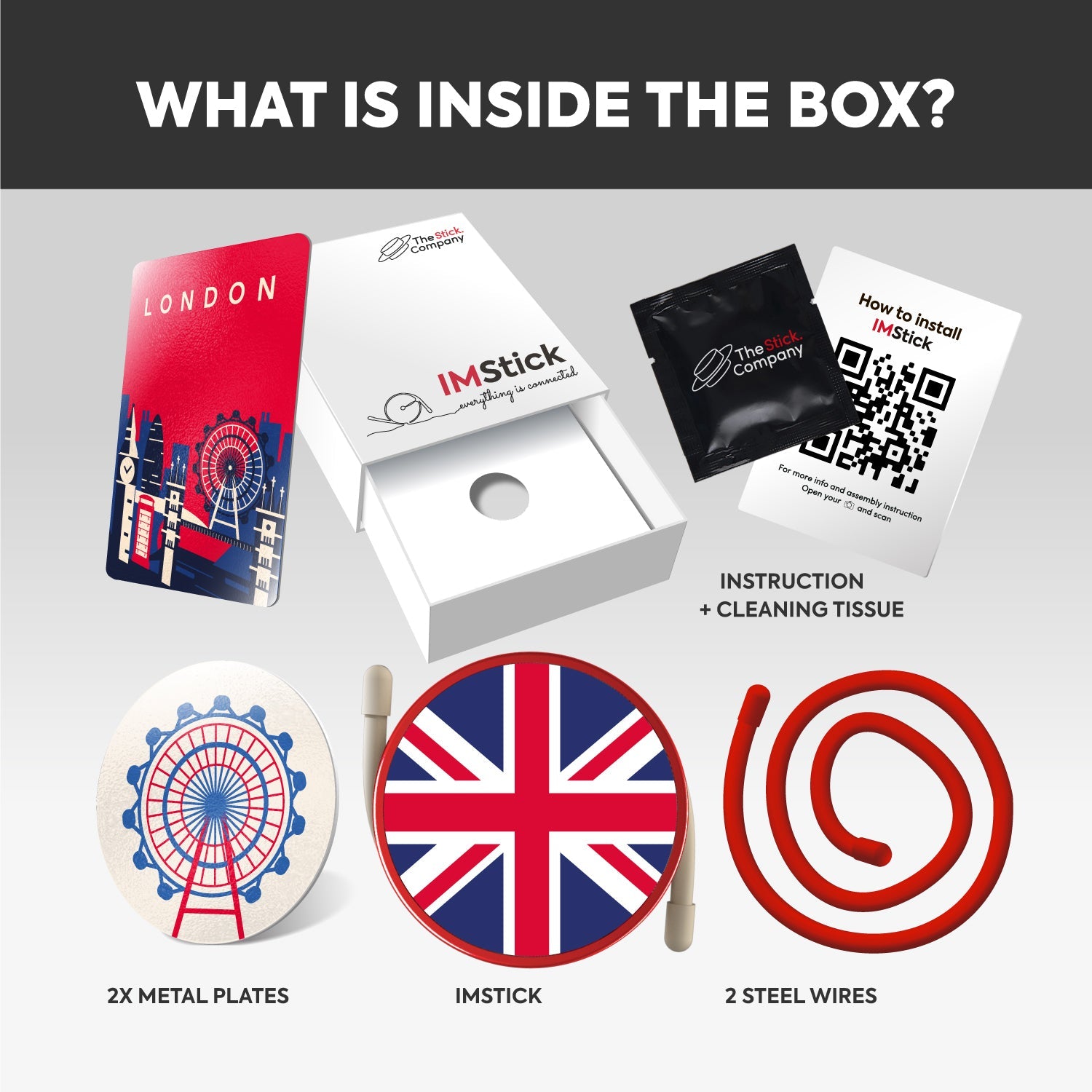
Works with ANY case via a magnetic plate inside.
1. Place the metal plate under your case — horizontally near the bottom.
2. Snap IMStick to the back of the case.
3. Bend the wires for grip, stand, or hook.
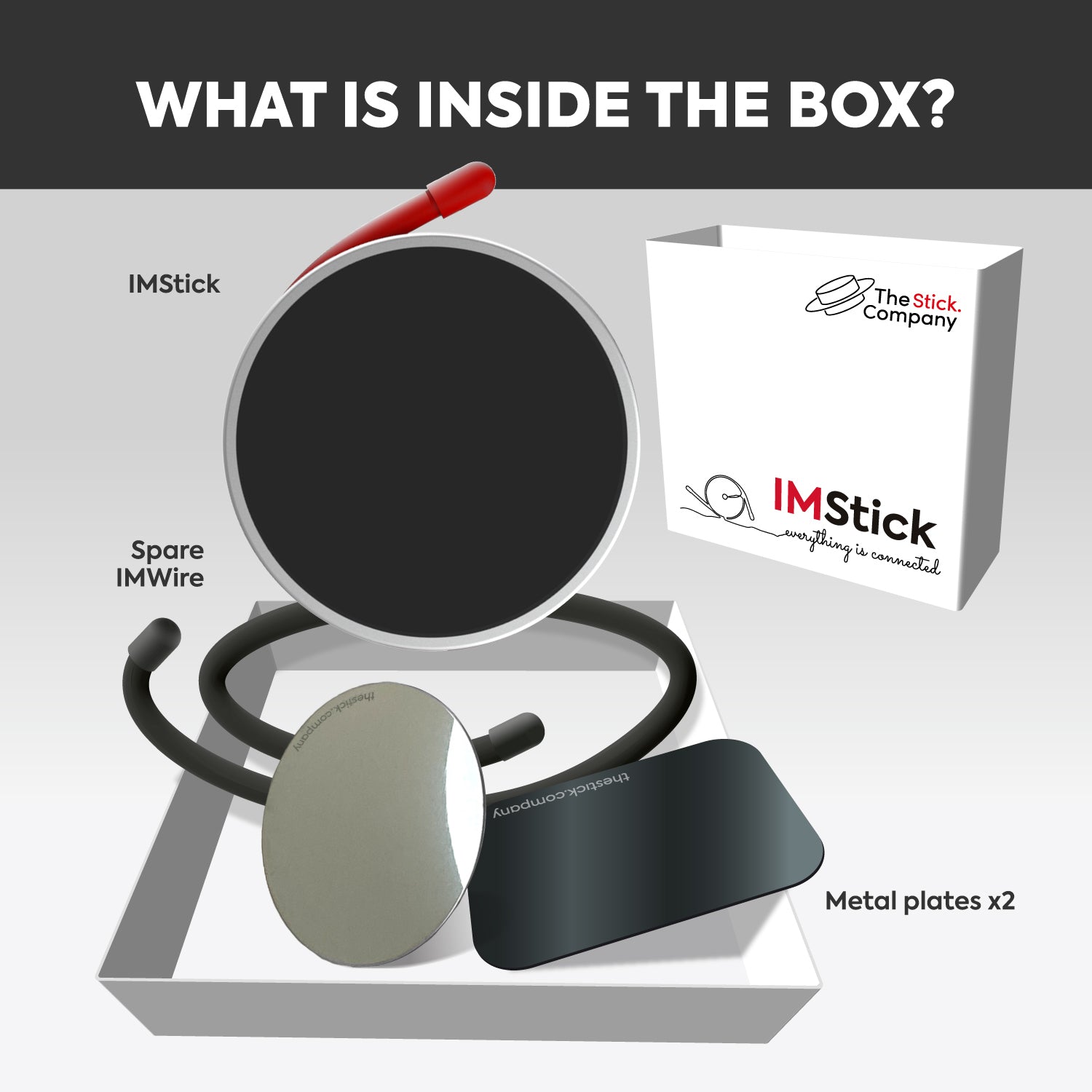
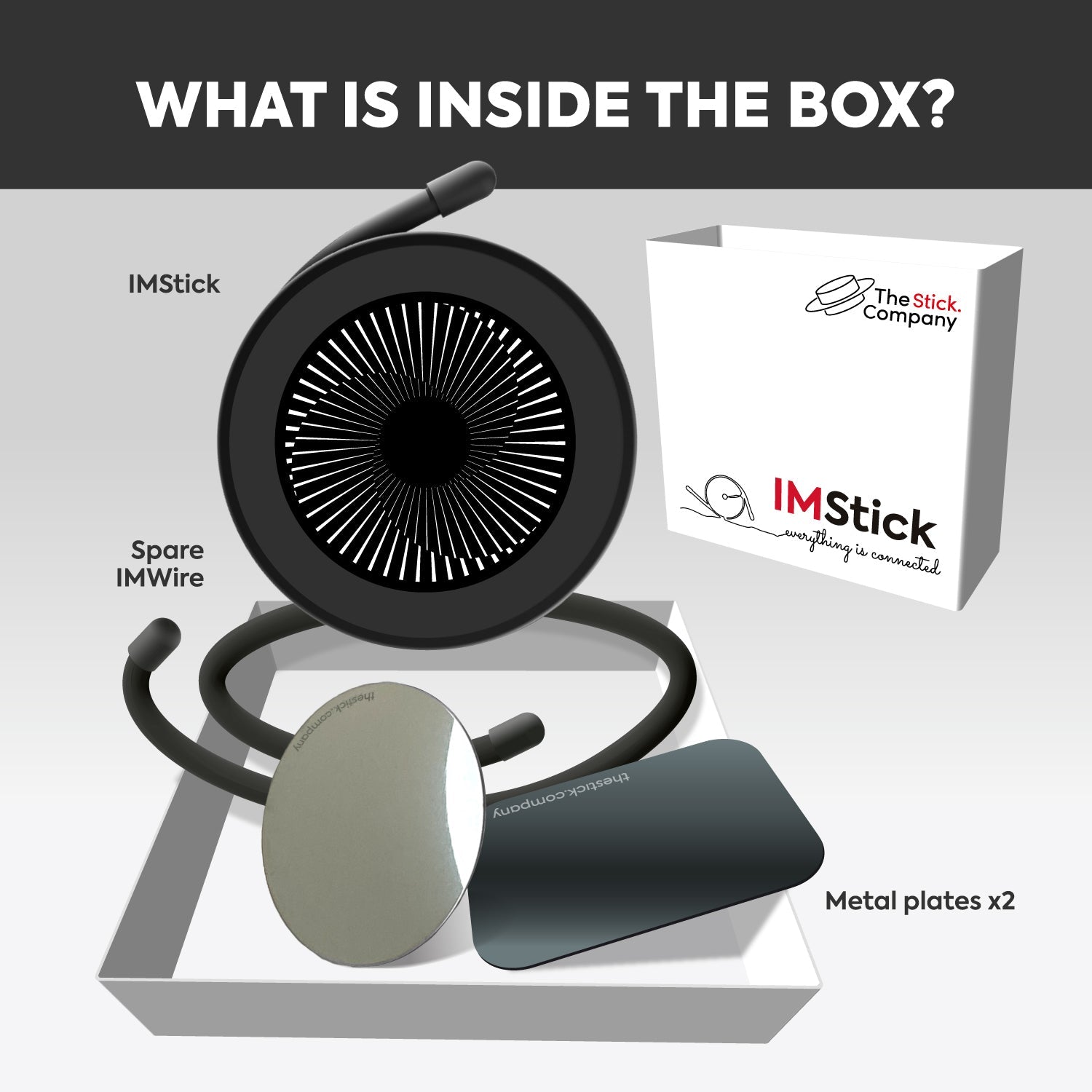
Pack includes 2 plates, 2 wires.
IMStick Pro
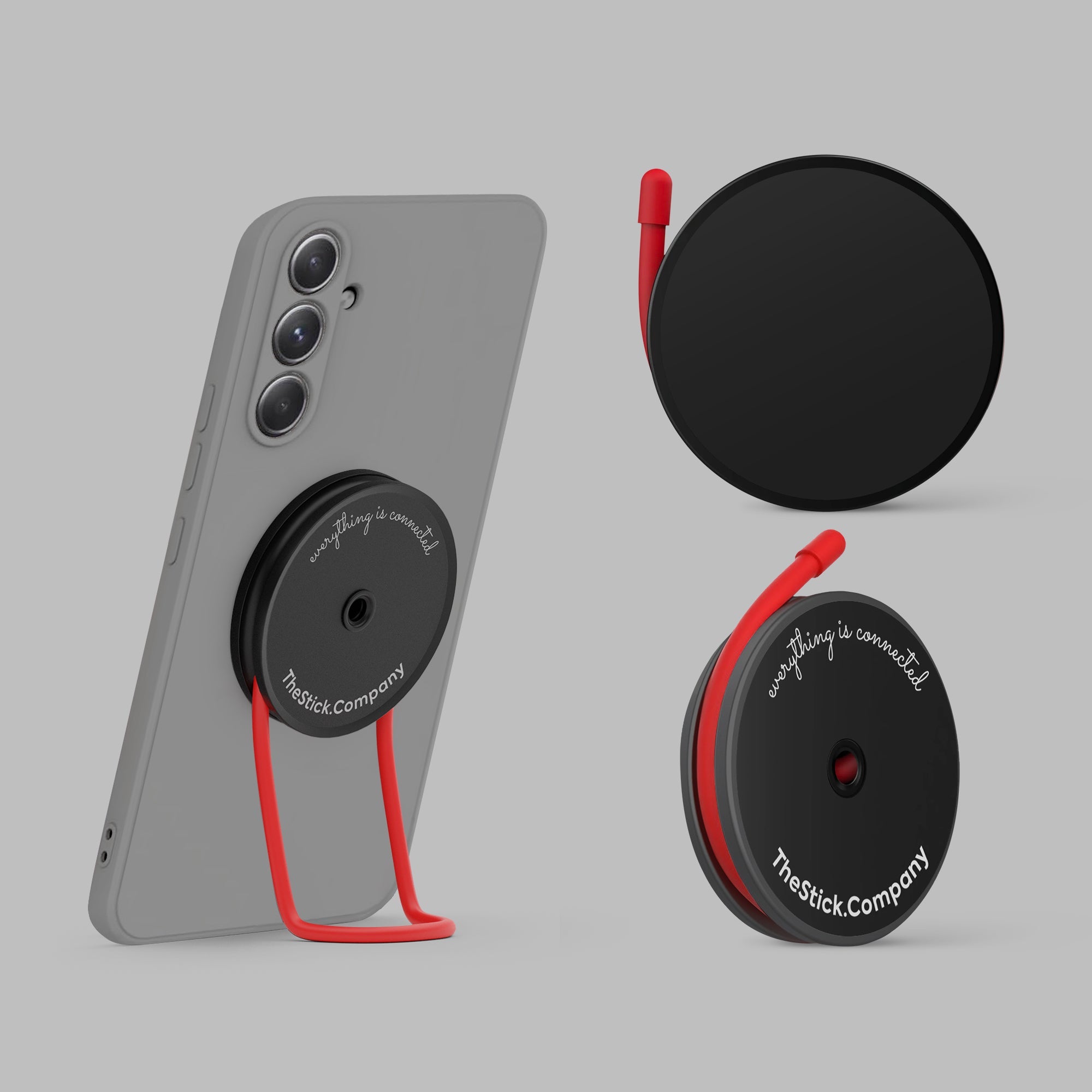
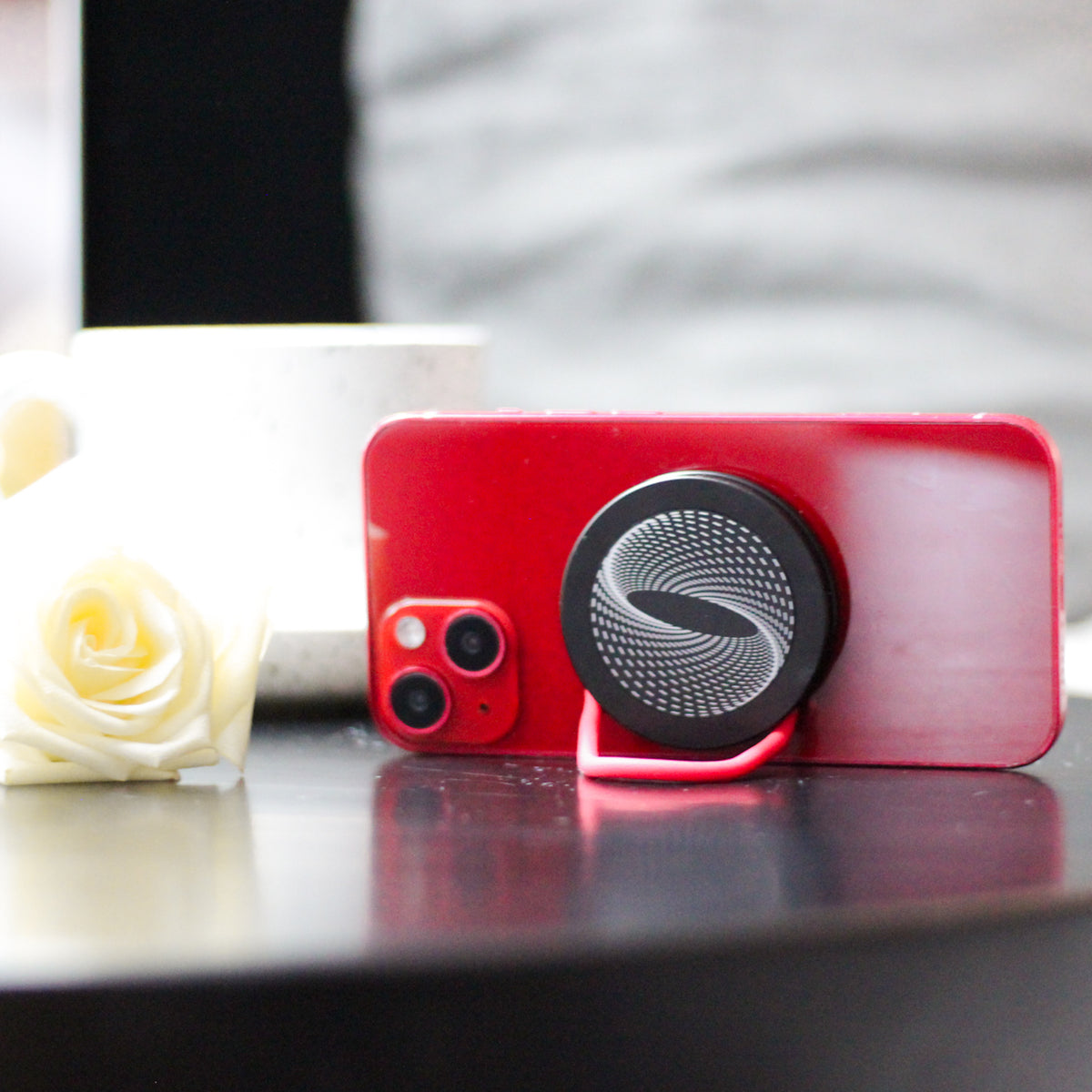
Snaps directly to MagSafe. No plate needed.
1. Snap IMStick Pro onto a MagSafe phone or case.
2. Bend the wires for any mode — grip, stand, or mount.
3. For heavy loads, add the included plate inside the case as backup.
30% stronger than Classic. Holds up to 3 kg.

The five pieces that cover 90% of everyday phone moments.
The anchor — your phone's bodyguard against gravity and theft.
Magnetic grip, stand and mount — works with any case via a hidden plate.
The newest IMStick: snaps straight onto MagSafe, no plate, holds up to 4 kg.

Running
Linky on your wrist for one-hand control. Keeper clips to a bra strap or shorts band — phone stays put when you pick up pace.
Cycling
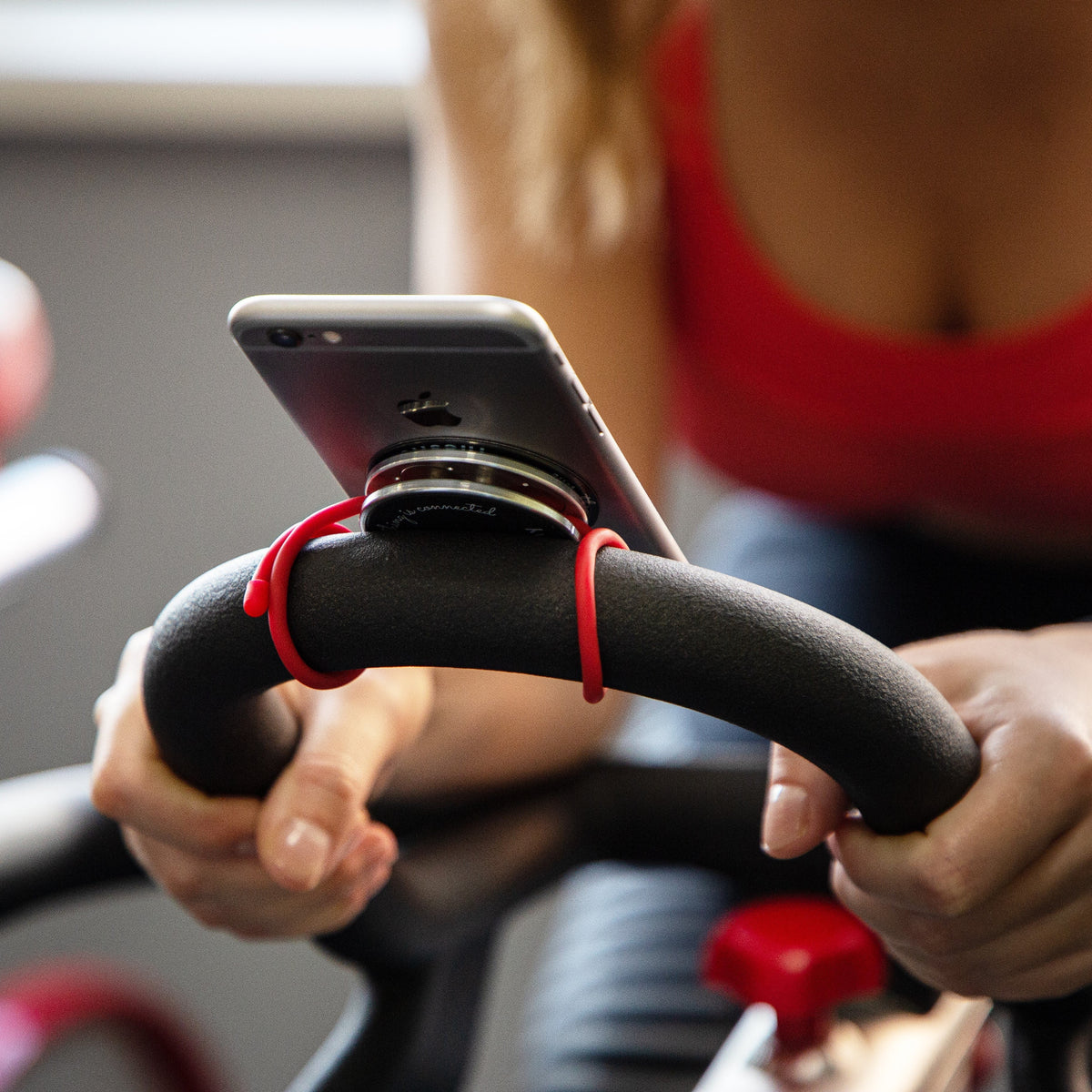
IMStick Pro snaps to a metal handlebar — no plate needed. Linky on your wrist when you stop for a coffee.
Gym
IMStick Pro mounts on dumbbells, treadmill rails, locker doors. Keeper holds your phone in your bag. Linky as a leash between sets.
Daily commute
Keeper on backpack strap. Linky for one-hand subway scrolling. IMStick magnets to bus poles, train tables, fridge.
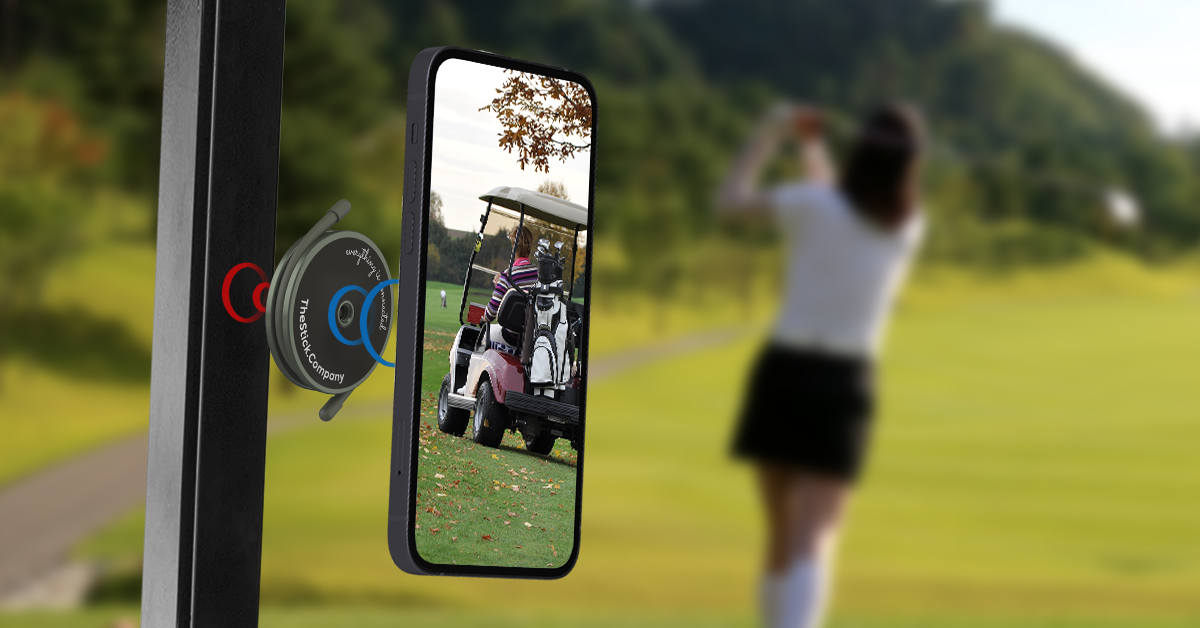
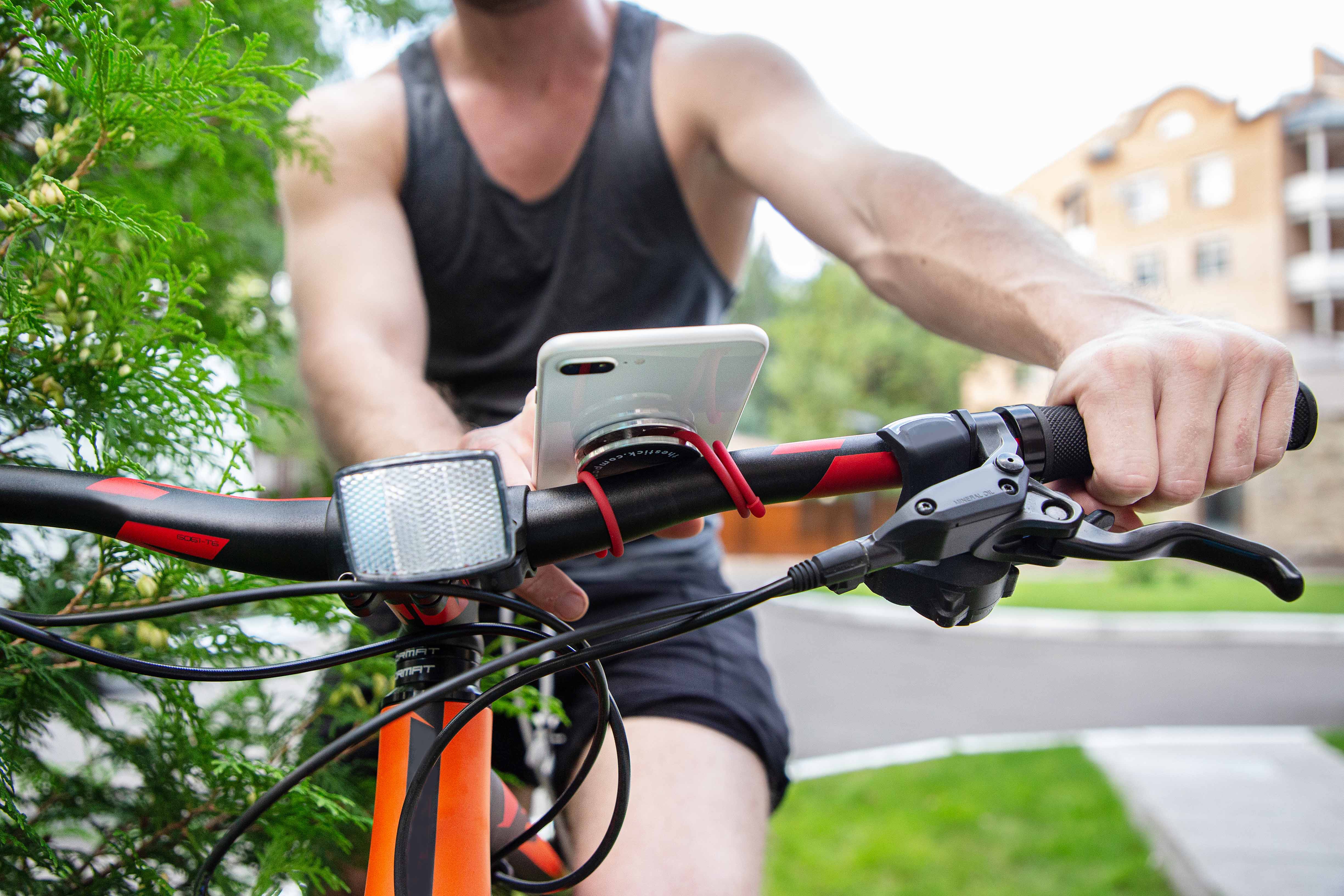

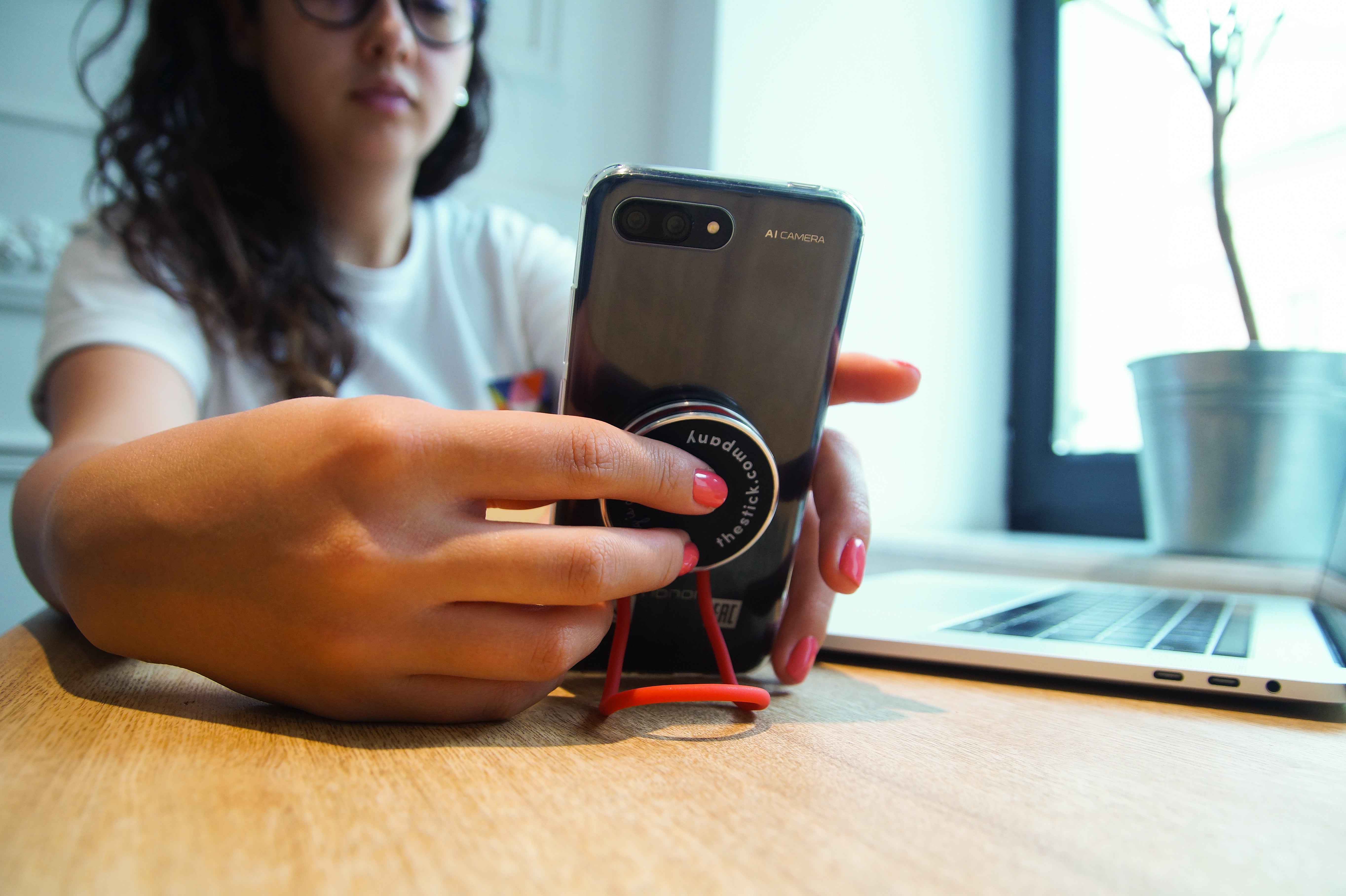

Mix-match for your sport of choice.
The anchor — your phone's bodyguard against gravity and theft.
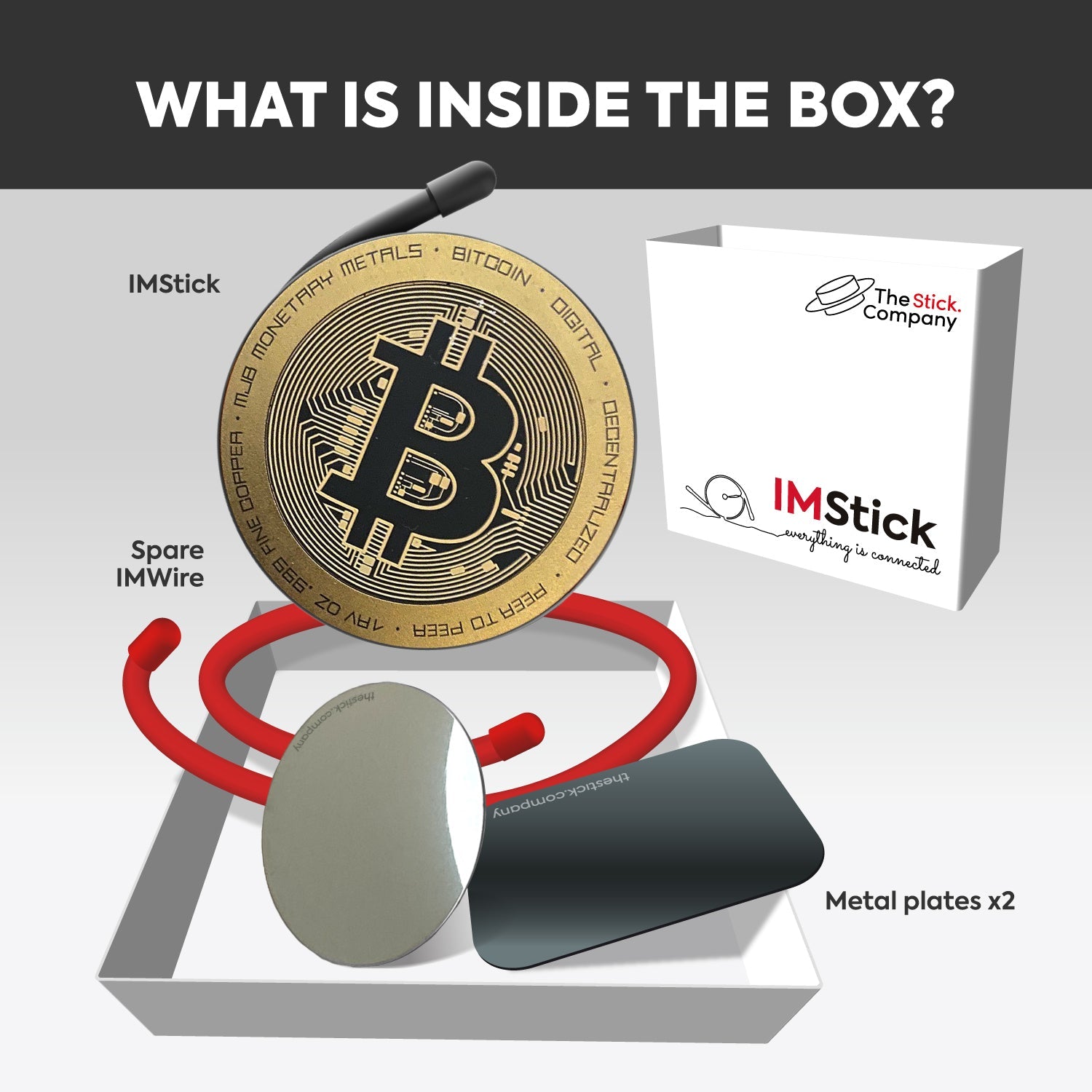
The newest IMStick — straight to MagSafe, no plate. Bitcoin design.

Vlog & selfie
Linky as a wrist grip for stable POV. IMStick Pro as an extra handle when you flip the phone. No more shaky handheld.
Tripod mode
Bend IMStick Pro wires into a stand. Magnet onto any metal surface — fridge, gym rack, car roof. Hands-free in 3 seconds.
Wall & mirror mount
Locky on the wall, mirror, or ring-light frame. Snap your phone (via Linky or IMStick Pro) for vertical reels and live streams.
Cooking & DIY
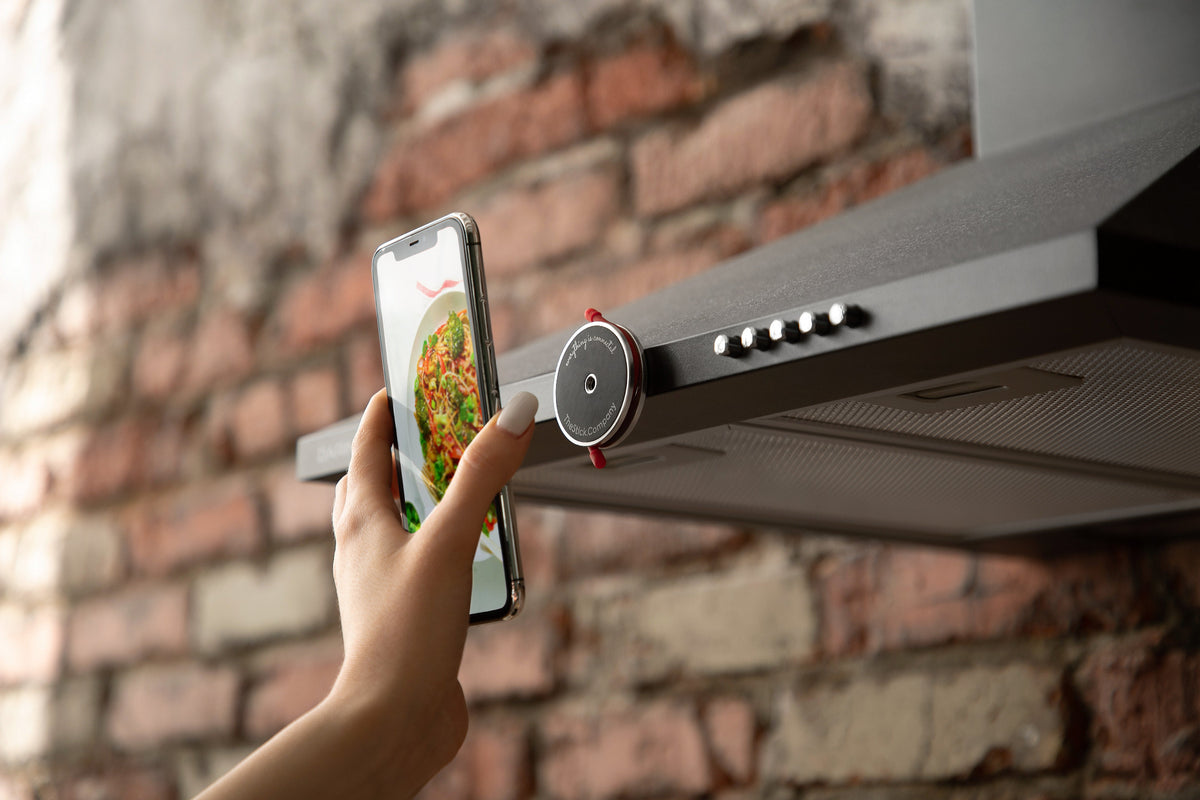
IMStick Pro snaps onto the fridge, vent hood, or any metal surface. Phone at eye level for recipe videos and tutorials.
From a handheld selfie to a wall-mounted reel rig.
The newest IMStick: snaps straight onto MagSafe, no plate, holds up to 4 kg.
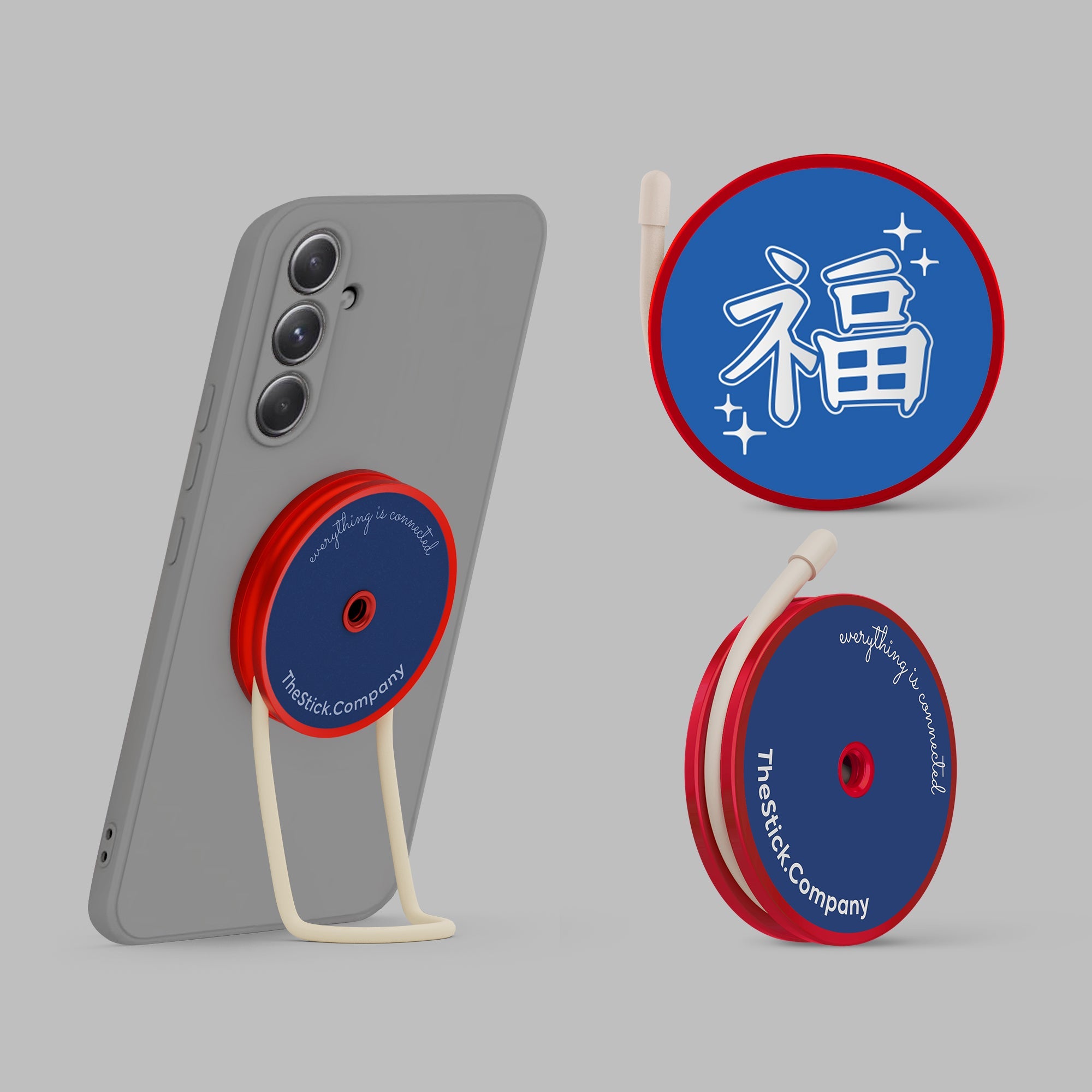
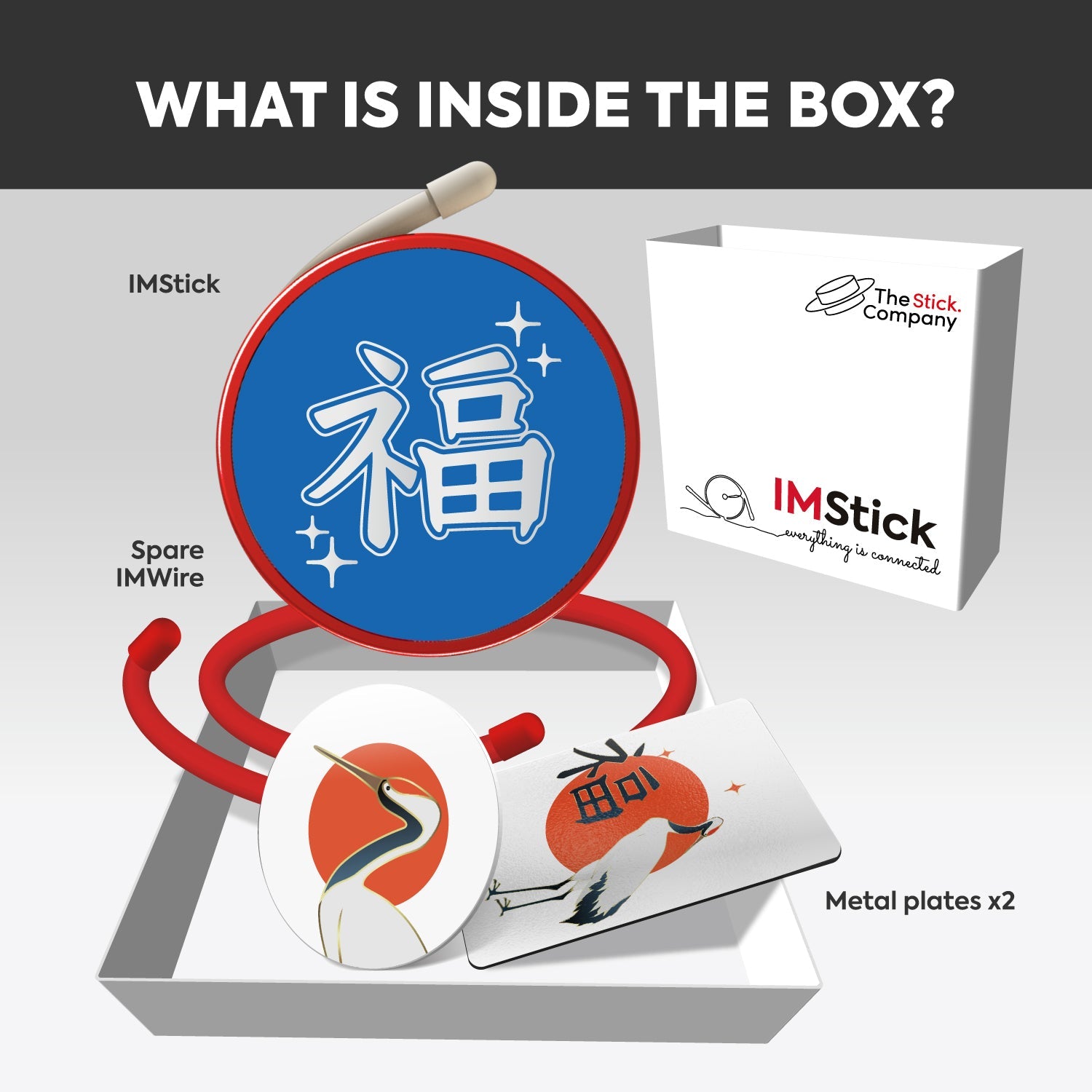
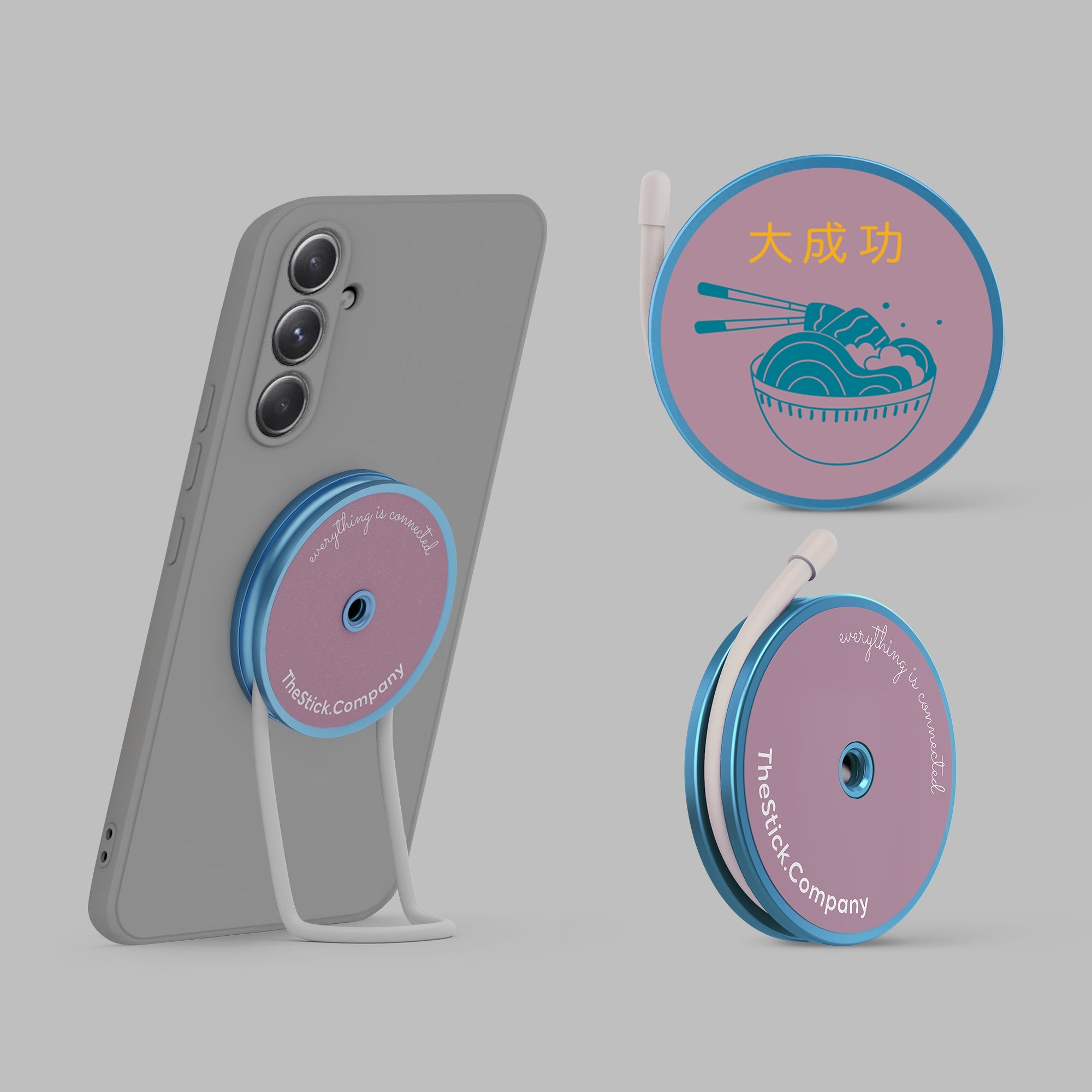
The Classic magnetic mount — rep your country, Flags series.
No. Linky sits between the case and the phone — there's no glue, no clamps, nothing sticks to the case itself. Pull the case off and Linky comes off with it. Move it to another phone or case anytime, as many times as you want.
IMStick Classic works with ANY case via a magnetic plate that goes under the case (or sticks to the back of the case).
IMStick Pro snaps directly to MagSafe-compatible cases — no plate needed. If your case isn't MagSafe-compatible, you can add the included plate inside it as backup.
Yes — that's the point. Most setups combine both: Linky as a wrist loop, Keeper on a bag, IMStick Pro snapped to the back of a MagSafe case for magnetic mounting. The two lines are designed to mix.
Under a minute per piece. No tools, no apps, no calibration.
- Linky goes under the phone case in about 20 seconds.
- IMStick Pro snaps onto a MagSafe phone or case in 5 seconds.
- Locky's adhesive needs to be pressed firmly and left to cure for a few hours before you hang weight on it.
Locky uses a removable adhesive — it peels off cleanly from glass, metal, painted walls, and plastic surfaces. On rough or textured surfaces (raw brick, untreated wood, fabric) some residue may stay.
For best results, apply Locky to a clean, smooth surface. Wipe the area with alcohol before pressing it on.
Yes. Linky is sold individually and in multi-packs (3, 5, 10) — useful for multiple phones, family sharing, or just keeping a backup. Available on the Linky product page.